
Creating a Task in Writer’s Toolbox


Lesson prep made easy
Have you had a crack at the Tasks creation tool in Writer’s Toolbox? An unsung hero when it comes to lesson planning, Task Builder helps you create scaffolded, visually-compelling lessons with clear instructions and differentiated checklists.
Task Builder steps you through the planning process—the choice is yours: set year level, add PDF resources, select planning tools, choose a quirky image to get student creativity flowing, require keywords, checklists, paragraph styles, and more.
Once you’ve set up a task, the benefits start to kick in. Check in on where students are at and review their final submissions, all in the one place. Click share to allow other teachers to use your tasks and get them to send their tasks back in return. Sharing the planning load? Gold.
Ready to tackle your first task? Find out how in under 10 minutes.
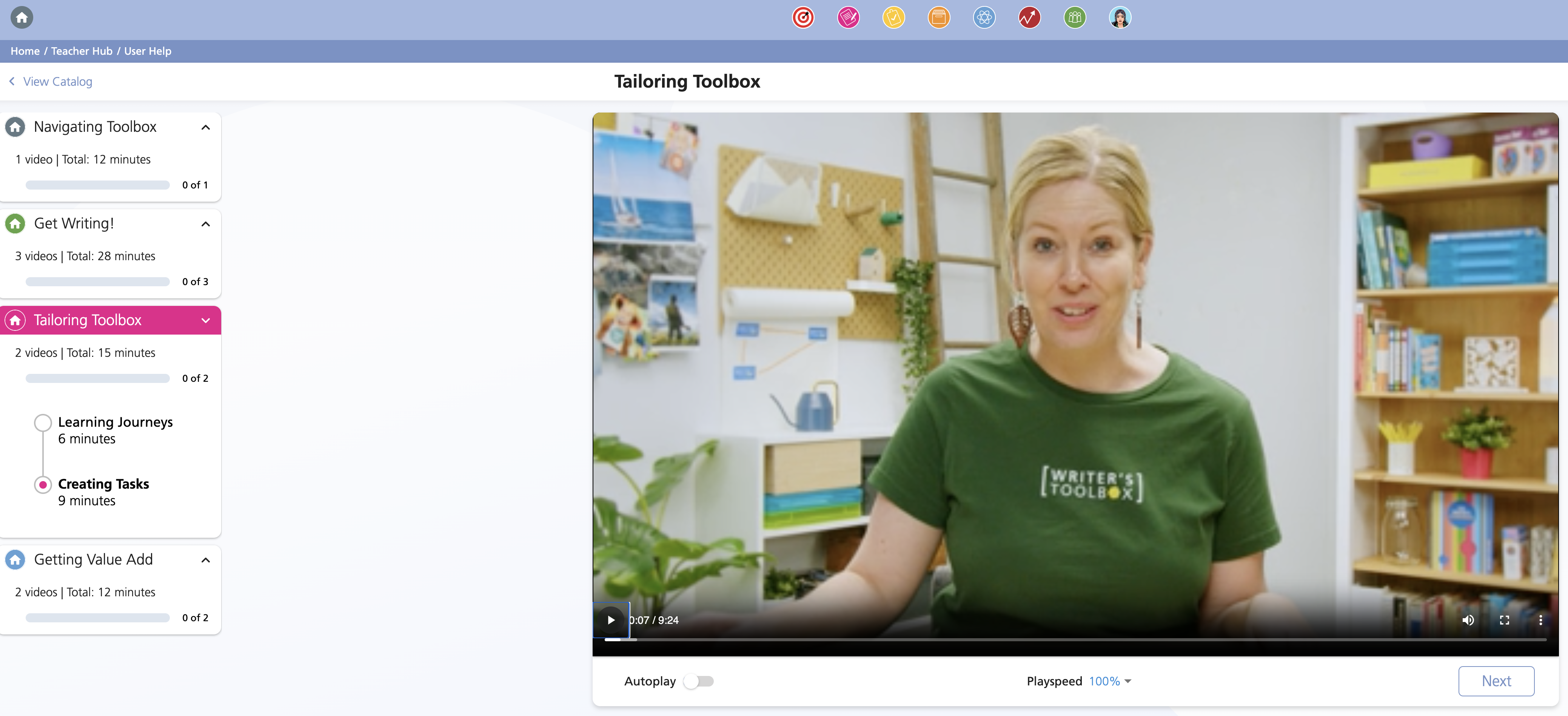
Watch our ‘How to’ video and follow along to create your first writing task. Head to: Writer’s Toolbox homepage > Academy > Scroll to Driving Toolbox > Choose Tailoring Toolbox video.
In the menu on the left, you can skip straight to Creating Tasks to watch the relevant video.
Ready-made Sample Tasks
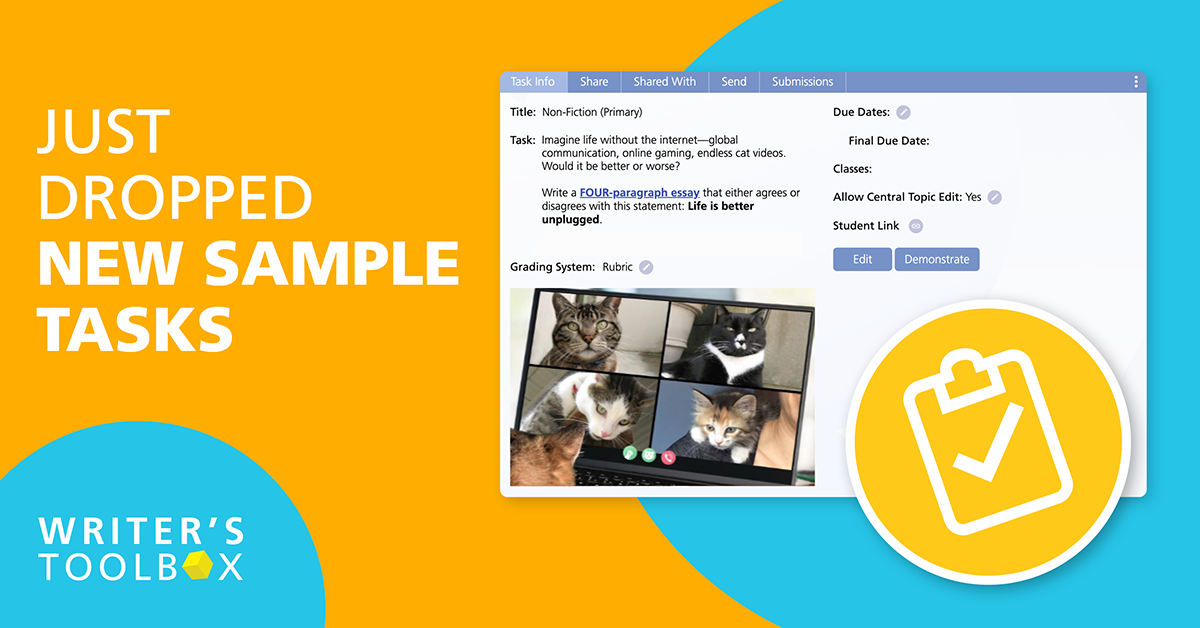
Even more good news. We know you’re all busy planning for the year, so we’ve made life a little easier and uploaded new Sample Tasks for you to duplicate and use with your class. To find them, go to Tasks (yellow clipboard icon) > Sample Tasks > Teaching Tasks. You’re welcome!



395A Manukau Road, Epsom, Auckland 1023, New Zealand